The LawTools workspace
Your firm's operations. Connected.
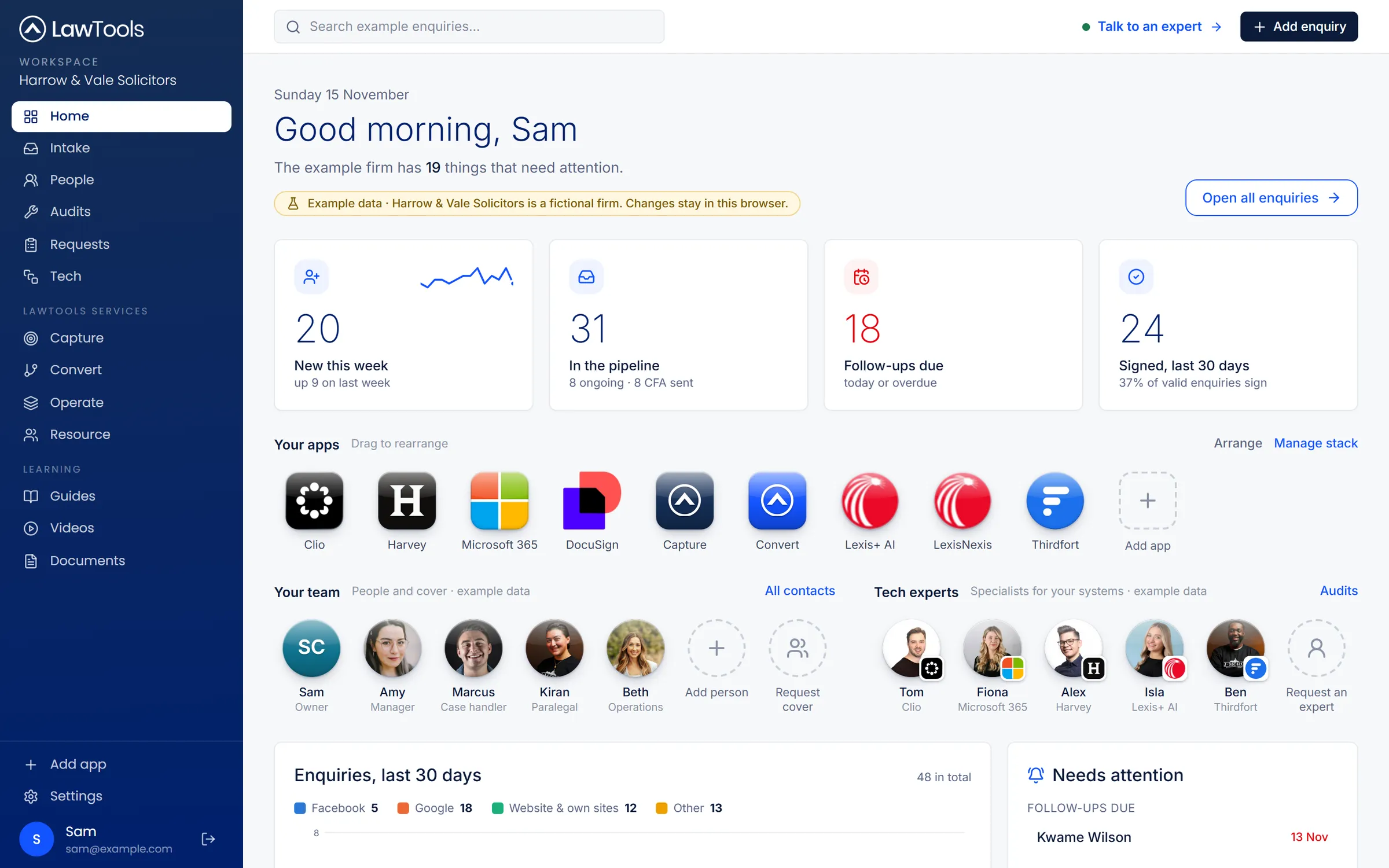
One partner, four operational areas
Capture, Convert, Operate and Resource, in one workspace.
Each of our services has its own space in the workspace, so the work we do for your firm and the tools you run sit together.
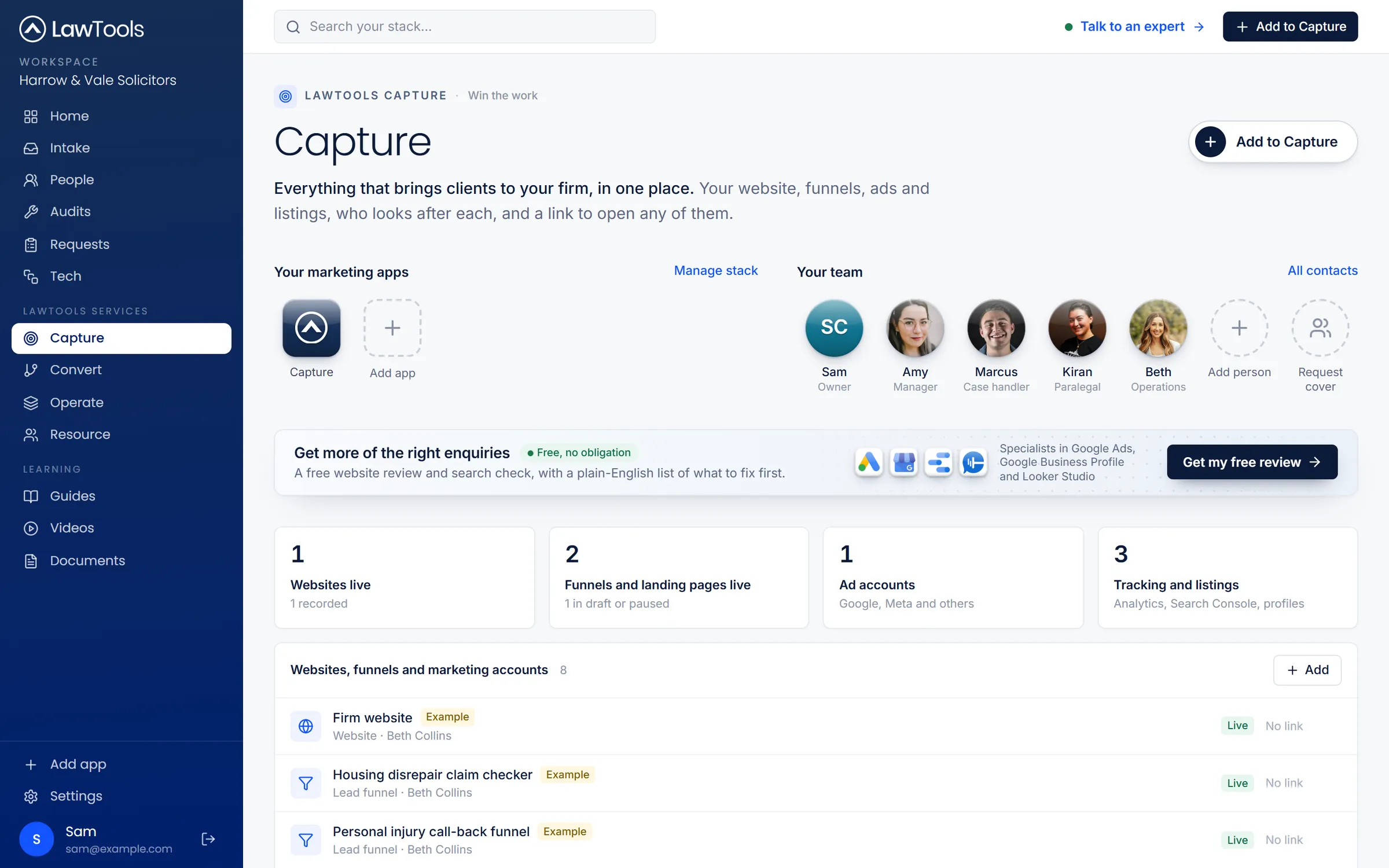
Capture
Websites, funnels, ads, analytics and listings, each a click away, and LawTools to build what's missing.
About Capture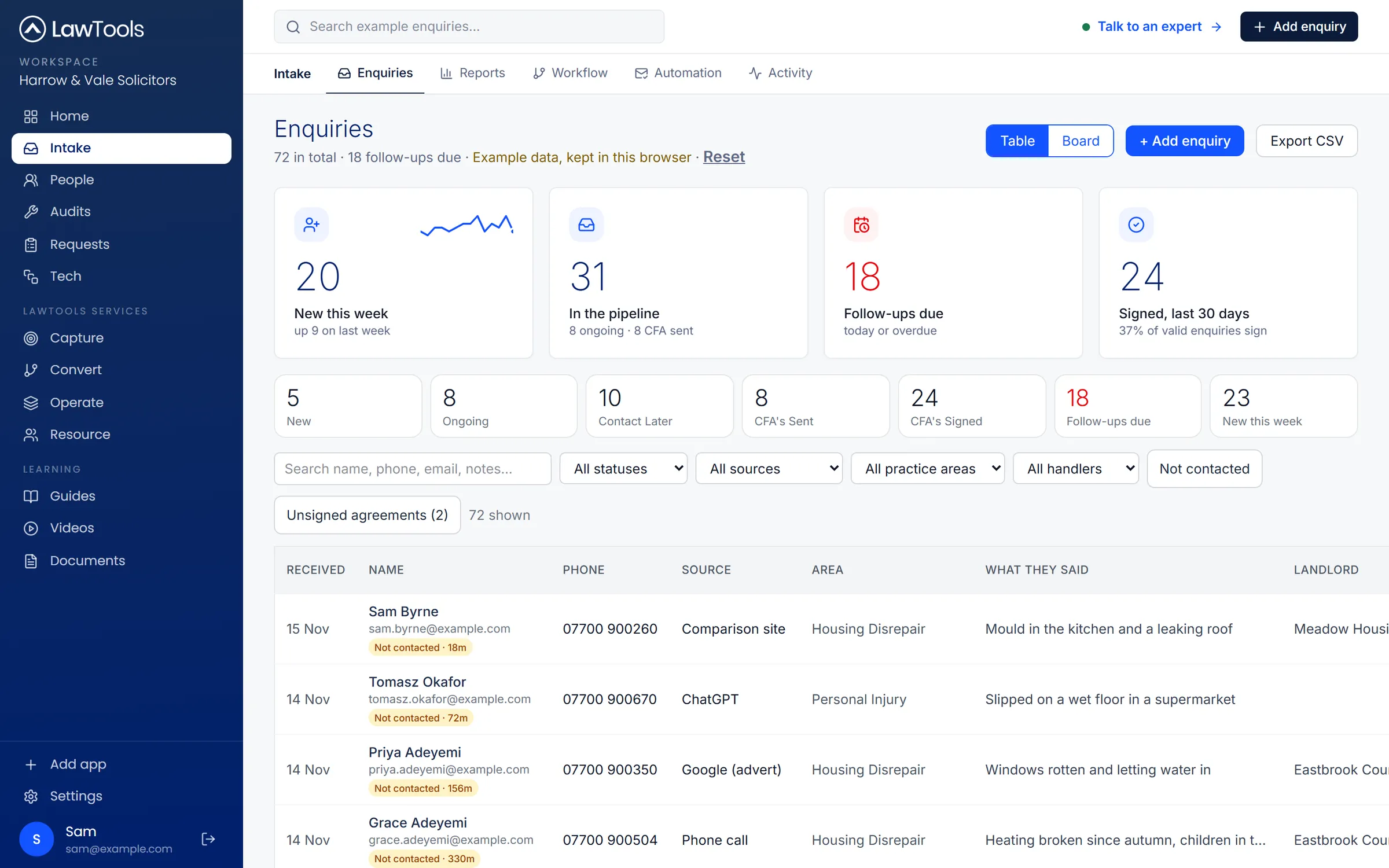
Convert
Every enquiry, where it came from and where it stands, with follow-ups due and response-time alerts.
About Convert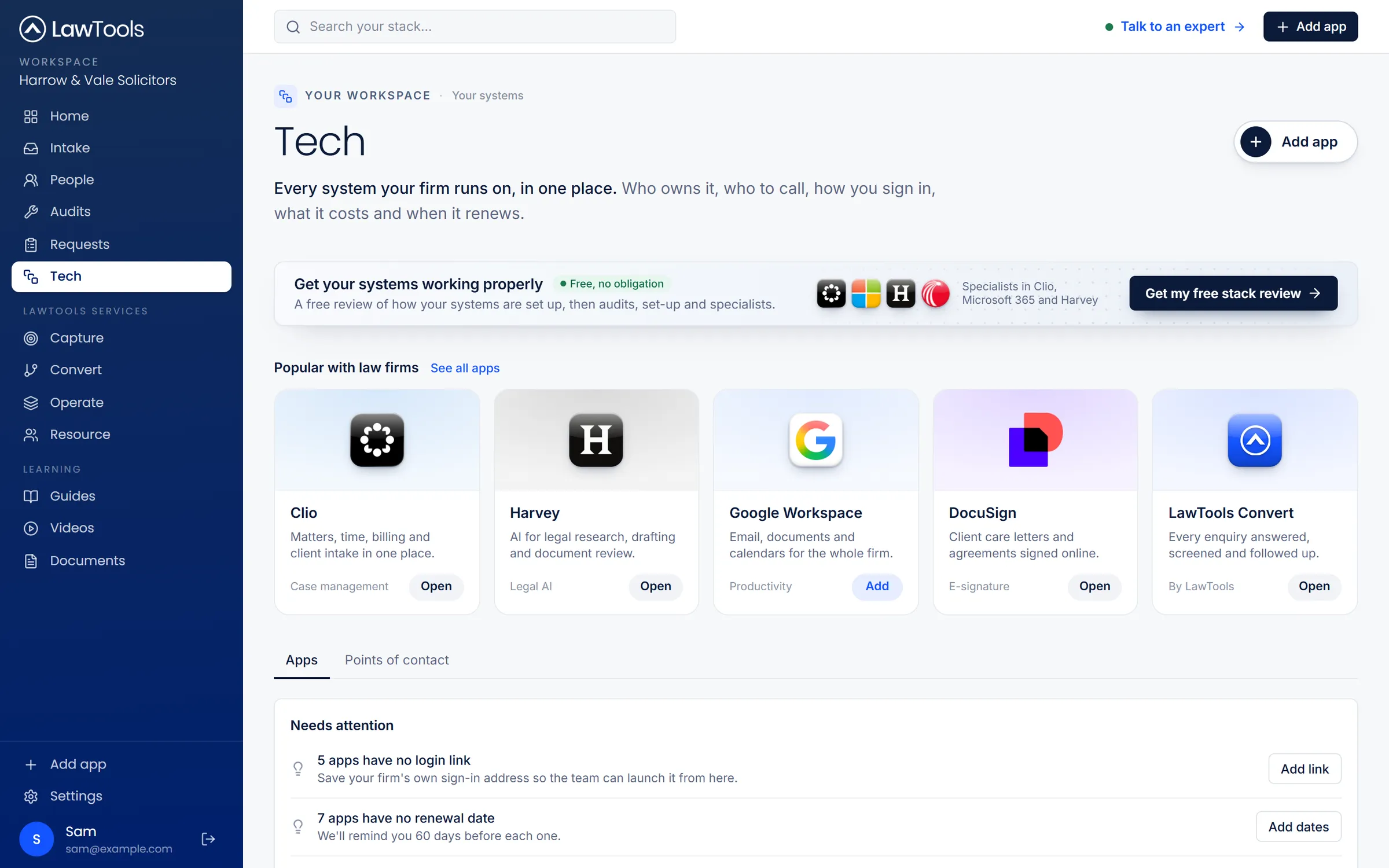
Operate
Every system your firm runs: owners, login links, costs and renewals, with specialists on hand.
About Operate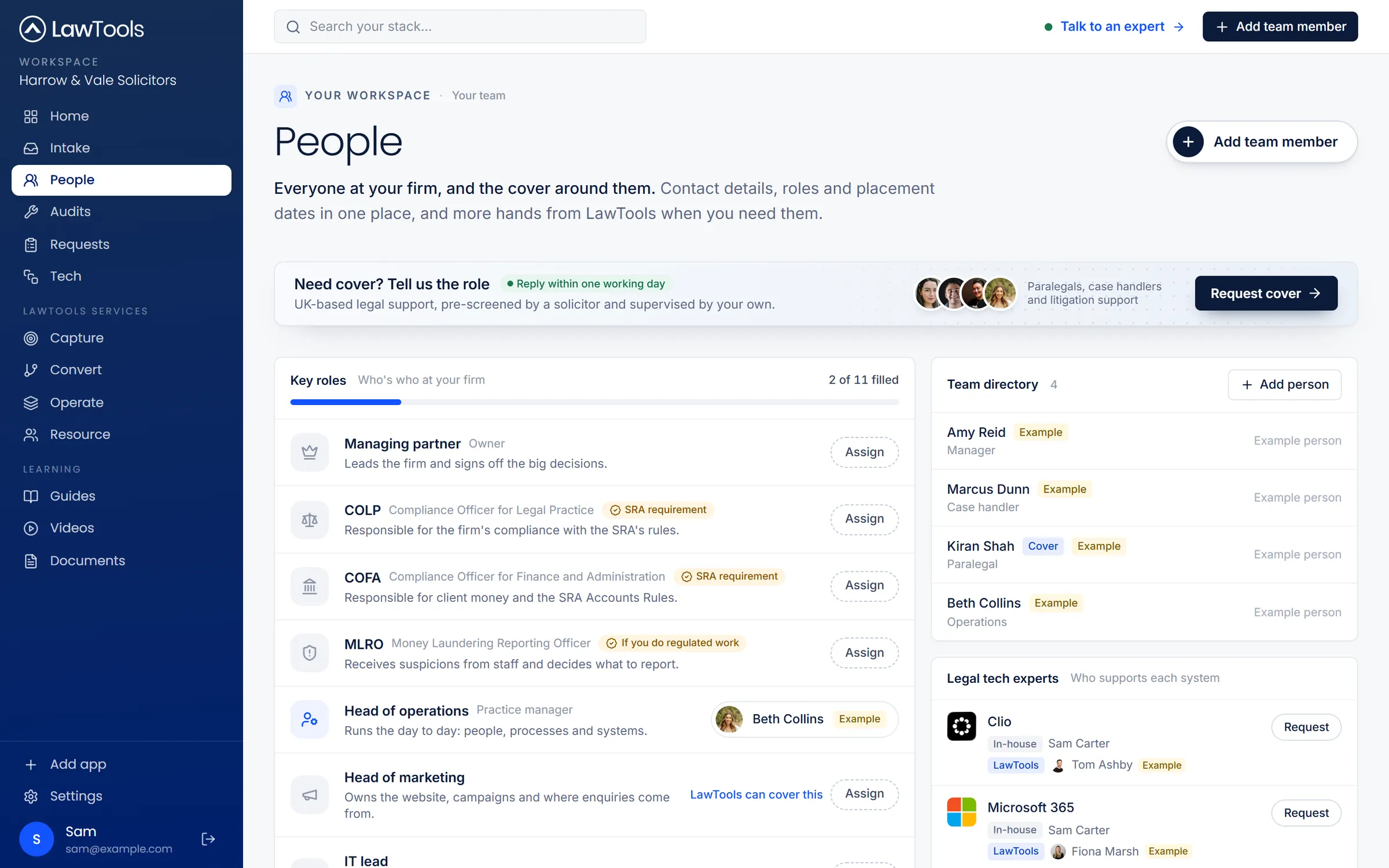
Resource
Your team, key roles and cover in one place, and extra capacity when the work arrives.
About ResourceDo it yourself.Or let LawTools help.
Every action in the workspace has two routes: the firm's own form, and the matching LawTools service beside it. From spotting a need to getting it done, without a generic contact form.
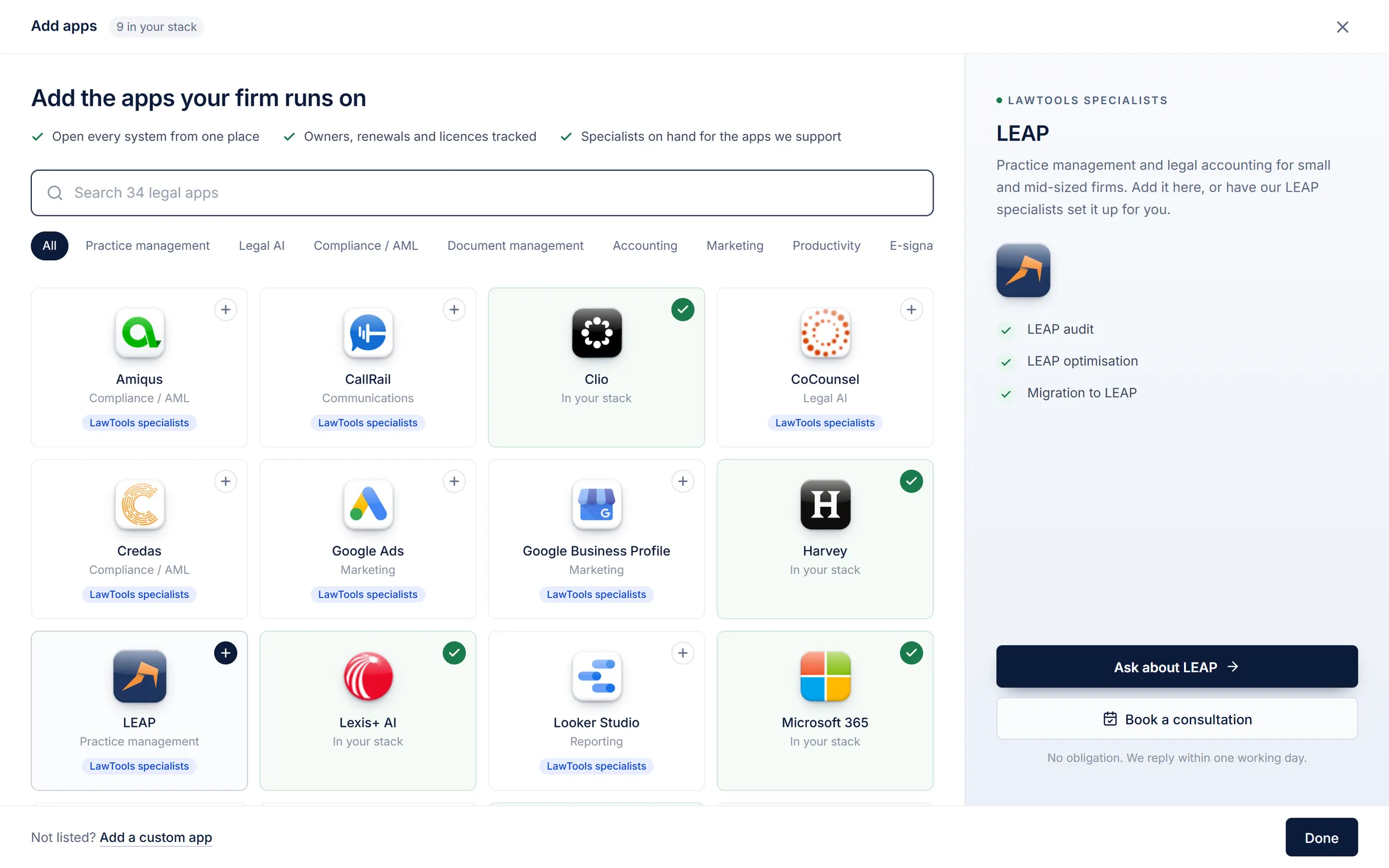
Add LEAP, or have it set up
Add a system with its links and owner. Or ask our LEAP specialists for an audit, optimisation or migration.
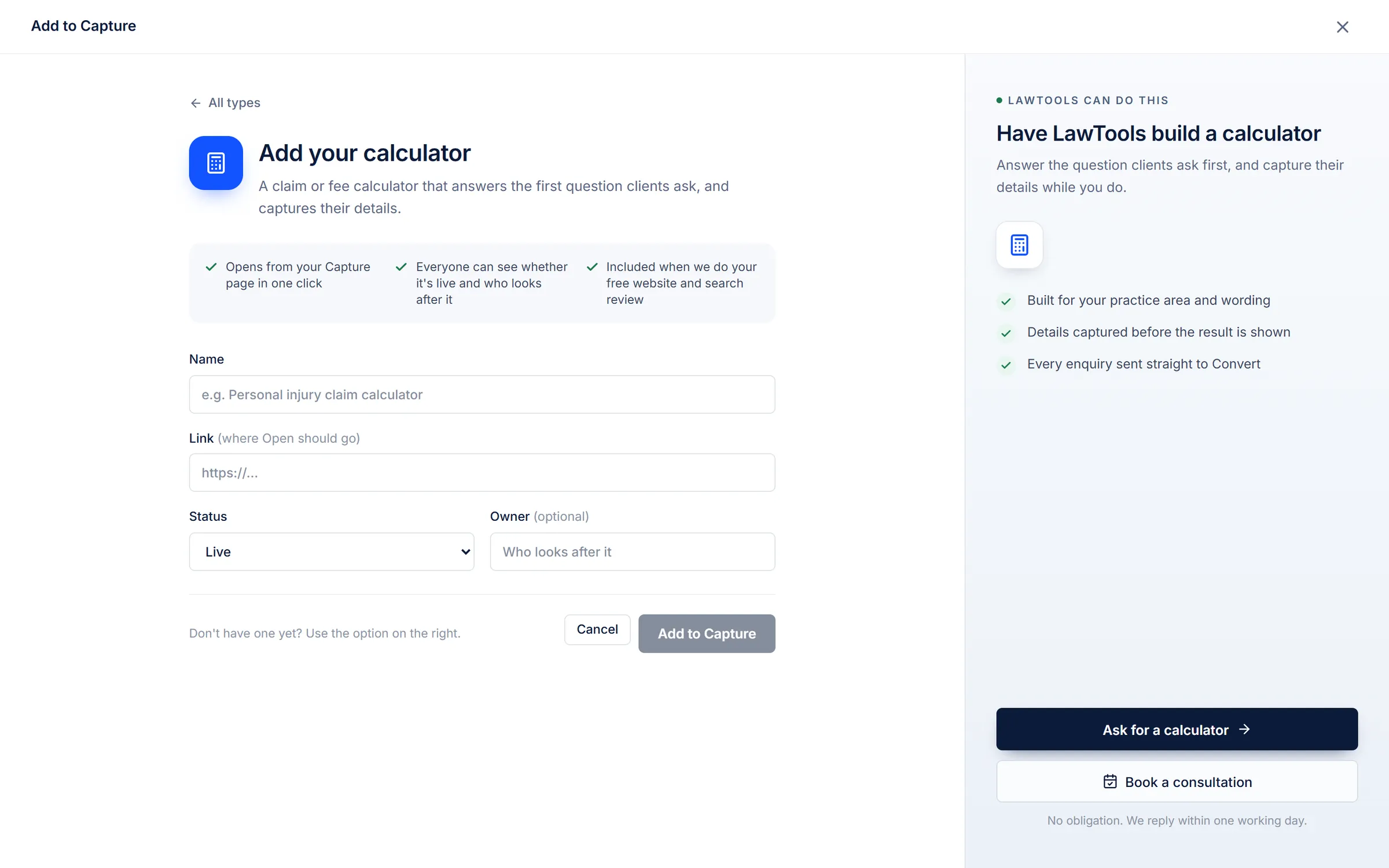
Add a calculator, or have one built
Record the funnels and calculators you already run. Or ask LawTools to build the one you need.
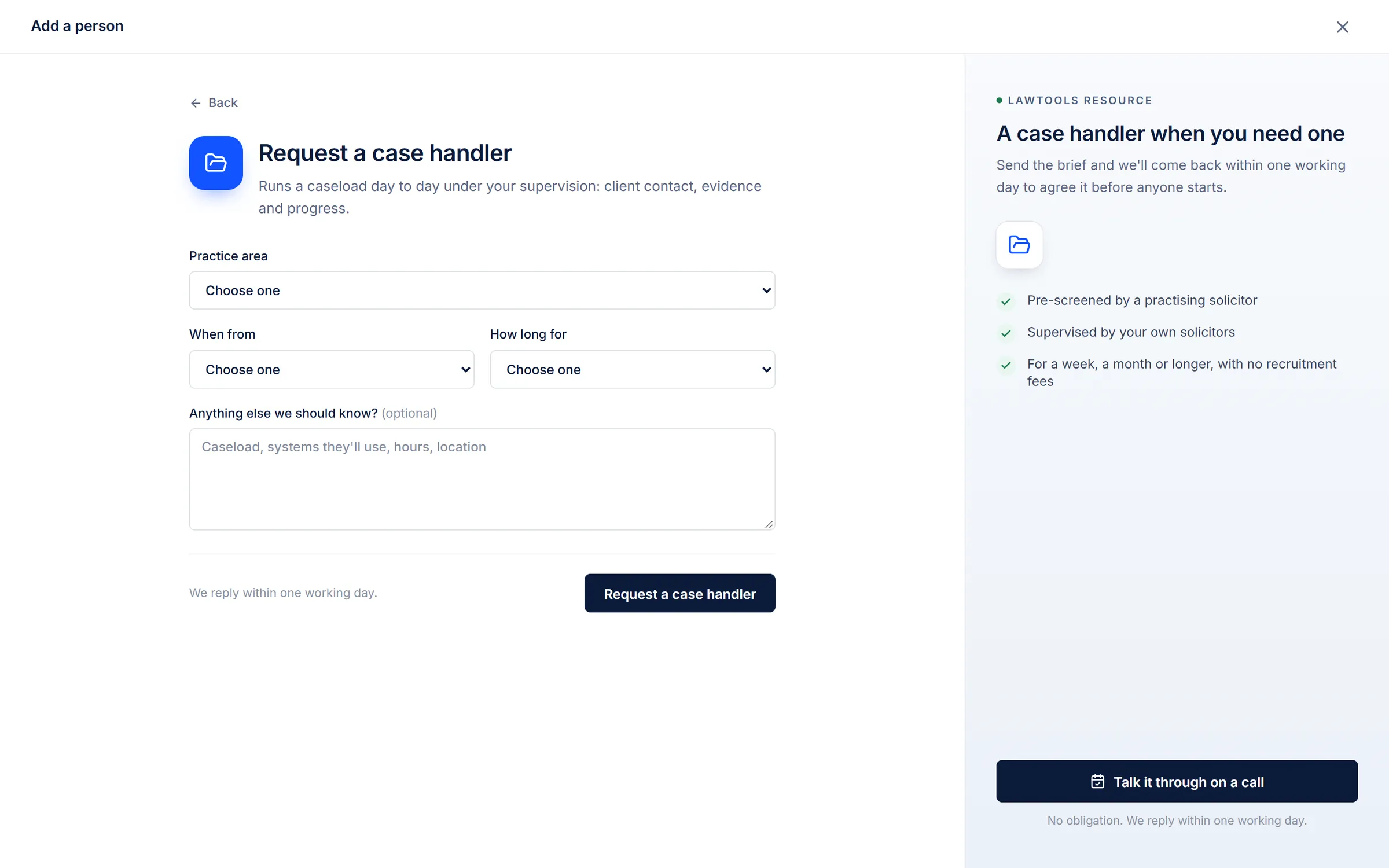
Request a case handler
Add your own people, or send a short brief for a paralegal, case handler or litigation support.
Screens from the LawTools workspace, shown with example data for a fictional firm.
Learning and adoption
Get more from the tools your firm already uses.
Training videos from the software companies' own YouTube channels, gathered by system, with your firm's systems first. Plus 16 plain-English LawTools guides, read inside the workspace.
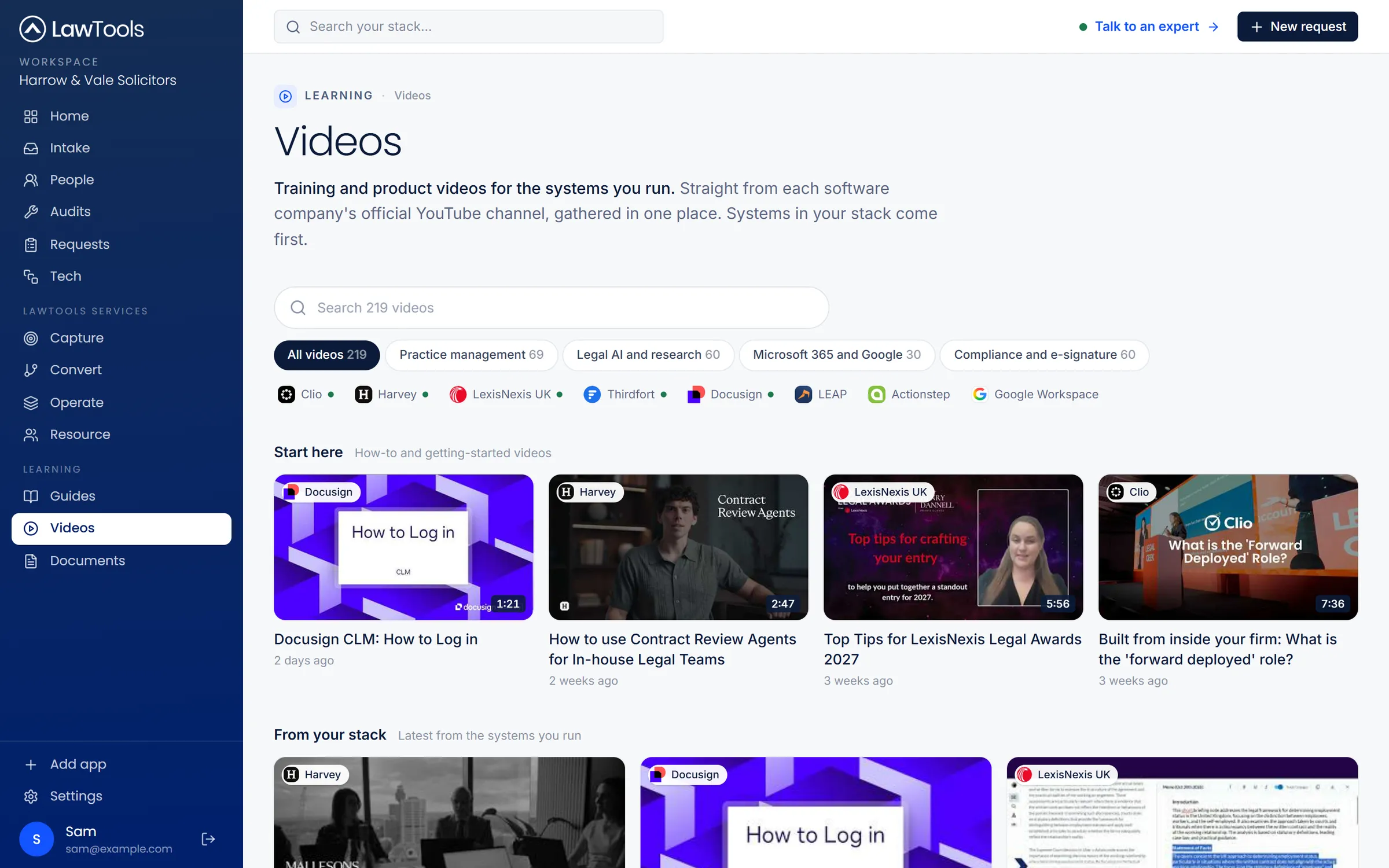
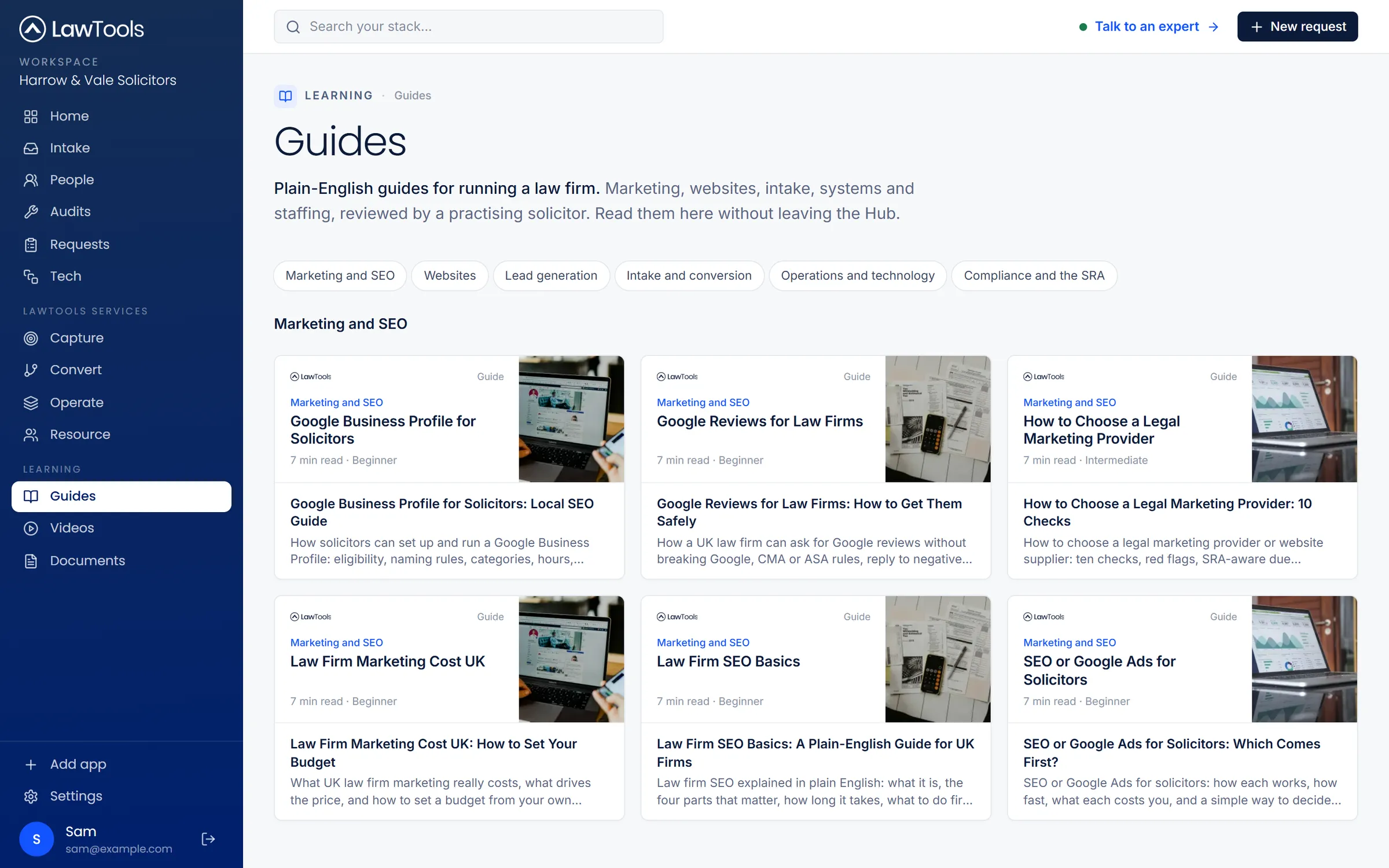
Official channels in the workspace
 Clio
 LEAP
 Actionstep
 Harvey
 LexisNexis
 Google Workspace
 Thirdfort
 DocuSign
Flexible engagement
How firms work with LawTools.
Start with an audit, a set-up, a specialist or extra capacity, or an ongoing managed service. Ask from the workspace, or from here.
Audits and reviews
Set-ups and implementations
Optimisation and automation
Technology experts
Resourcing
Managed services
Working with the technology your firm already uses
Expertise across your firm's technology stack.
Add the systems your firm runs to the workspace and open them from one place. We help firms assess, set up and get more from them, without replacing what works.
- Clio
- LEAP
- Actionstep
 Smokeball
 Osprey Approach
- Harvey
- Lexis+ AI
 CoCounsel
 Microsoft Copilot
 Luminance
- Thirdfort
 Amiqus
 Credas
 iManage
 NetDocuments
 Microsoft 365
- Google Workspace
- DocuSign
 Adobe Acrobat Sign
- LexisNexis
 Practical Law
 Xero
 Sage
 Google Ads
 Google Business Profile
 HubSpot
 ReviewSolicitors
 Looker Studio
 Power BI
 Zapier
 CallRail
 RingCentral
Logos are trademarks of their owners and show systems firms add to the workspace and that we work with. They don't indicate a partnership, reseller status or endorsement.
Good to know
What the workspace is, and isn't.
Free to use
Works alongside your systems
Example data to start
Free law firm audit
Find out where your firm is losing instructions.
A free review of how enquiries reach your firm, how quickly they're answered and where they drop out. You get a written report and action plan within five working days.
- See where enquiries are being lost
- Find the processes costing you time
- Leave with a clear list of priorities
Tell us about your firm
Book my free audit
We'll email you to book a 30-minute discovery call.